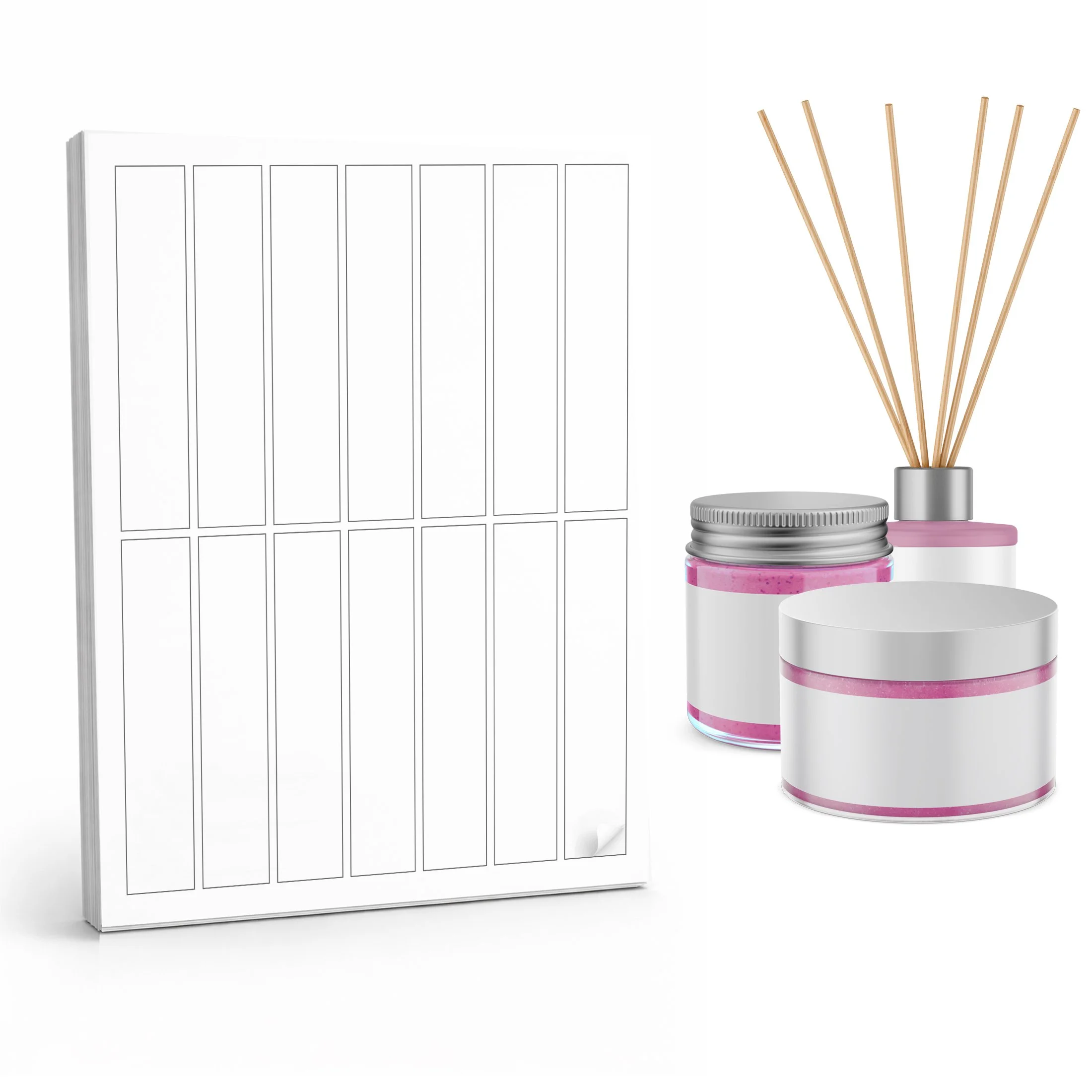
14-up rectangle labels
Template number #8390
SIZE: 5 x 1 inch
Label Templates
Canva Online Designer
Canva Blank Template
A full sheet layout with label outlines only.
- Open the Canva template link
- Add your text, colors, or images inside each outline
- Duplicate designs across the sheet as needed
- Delete the background, download and print
Help: Getting Started with Canva
Canva Drag and Drop
A full sheet with pre-sized Canva frames for easy placement.
- Open the Canva template link
- Drag your design into each frame
- Adjust positioning inside the frame if needed
- Download and print
CANVA SINGLE LABEL TEMPLATE
Canva Single Label Template: One individual label design.
- Open the Canva template link
- Design your label
- Download your design
- Manually place it into a sheet template (if printing multiples)
Download Templates
Label Dimensions
| Label Size | 5 x 1 inches |
| Top & Bottom Margin | 0.4375 inches |
| Left & Right Margin | 0.375 inches |
| Horizontal Spacing | 0.125 inches |
| Vertical Spacing | .125 inches |
| Corner Radius | 0 inches |
Templates for 1 oz Labels

These 1 oz. sheet label templates are 5x1 inches and are the perfect cosmetic labels for your products and containers. Most of our printable sheet labels are available in waterproof vinyl, 100% recycled and kraft paper.
Label Size: 5 x 1 inches, ideal for candy bars and small packages
Material: Uncoated white and brown kraft paper for a natural, high-quality look
Labels Per Page: 14 labels per 8.5 x 11 inch sheet
Available Quantities: 10, 50, and 250 sheet packs to fit any project size
Compatible Templates: Template No. 8390, ready for Canva, Microsoft Word, JPG, and PDF customization
On this page you will find many templates for 1 oz. such as Canva links, Microsoft Word, JPG and PDF for Adobe software.
Shipping & Delivery
FREE SHIPPING
Standard Shipping
30 DAYS RETURN
In our free design center you will find customizable, editable template labels for 1 ounce cosmetic containers.
Working with Small Containers
Note: Small diameter containers, like lip balm and roller ball tubes can cause labels to come unstuck before they can fully adhere. We have a few handy tips for getting your labels to apply professionally here.
Help for our Microsoft Word templates available here.
Free Canva Templates and Designs for 1 oz Labels
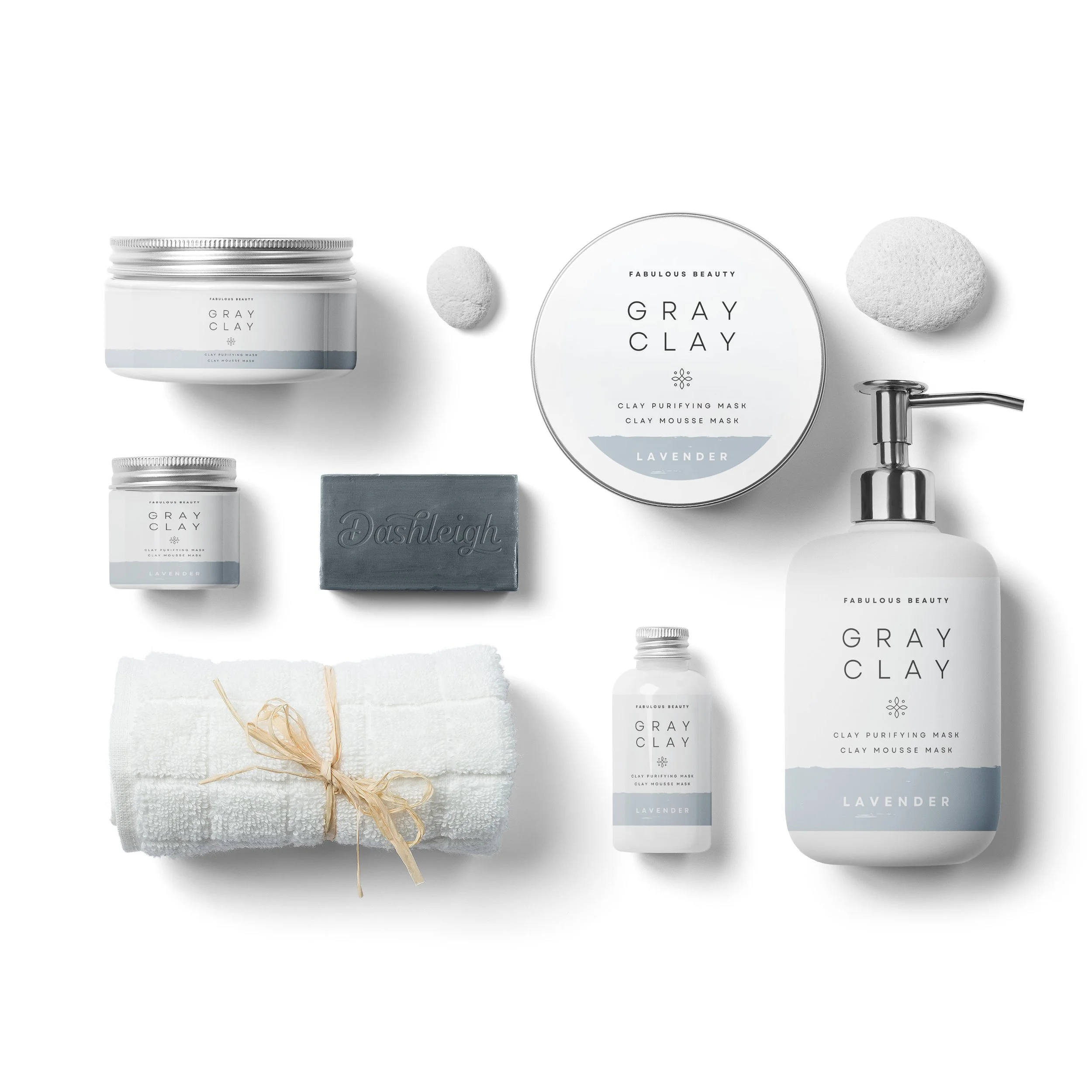
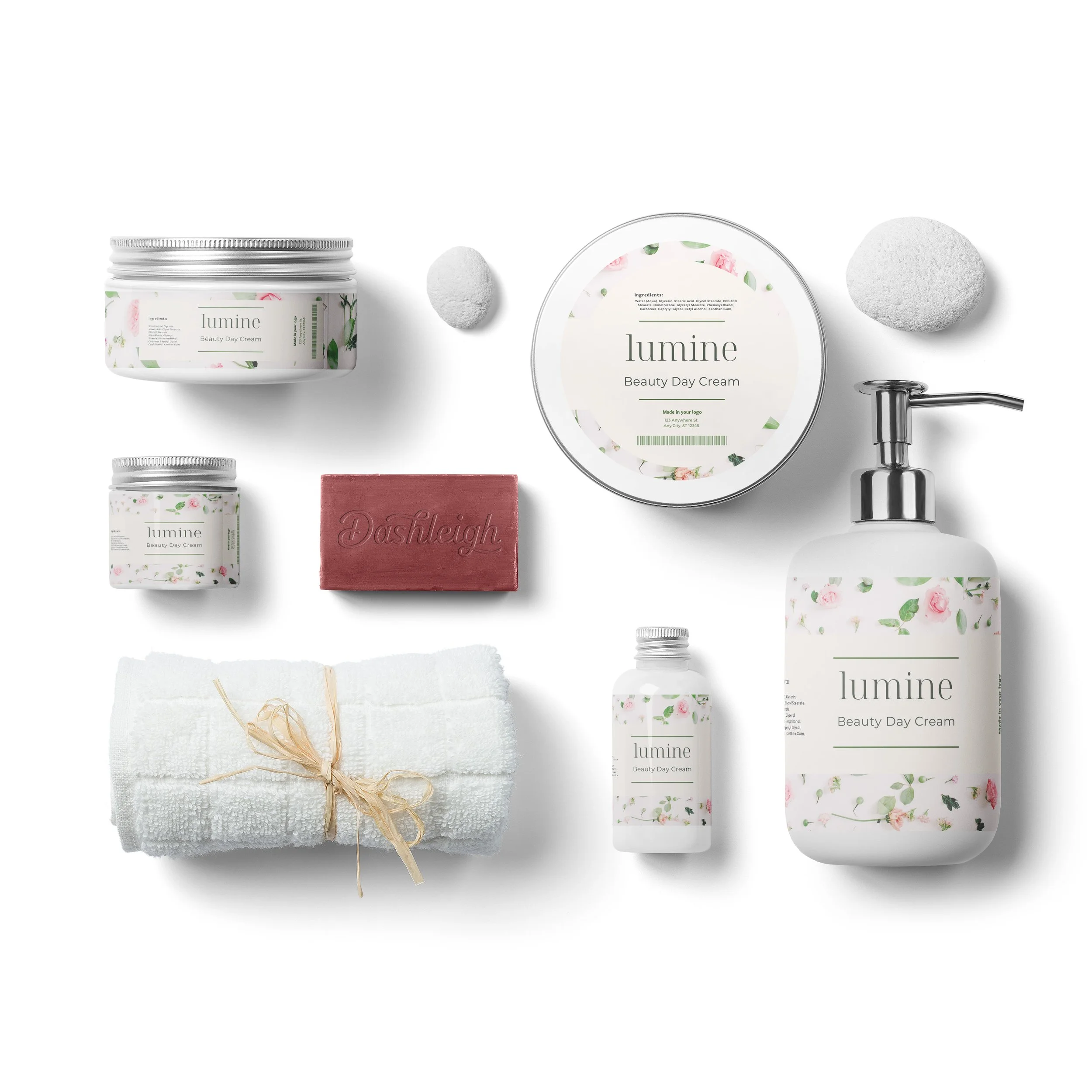


Dashleigh + Canva
*Canva is a free graphic design platform, used to create social media graphics, presentations, posters, documents and other visual content. The app includes templates for users to use. Dashleigh has an affiliate partnership with Canva, while every template is 100% free for Dashleigh customers, Dashleigh receives a commission for any Canva Pro memberships and trials. Learn more
Canva Pro
$12.99/mo
for up to 5 people
100+ million stock photos, videos, audio & graphics
610,000+ premium and free templates
Apply your brand s colors, logo and fonts
Remove backgrounds easily
Resize designs infinitely with Magic Resize.
Save designs as templates for your team.
100 GB of cloud storage
Schedule social media content to 8 platforms.
Printable Sheet Labels for 1 oz. Jars
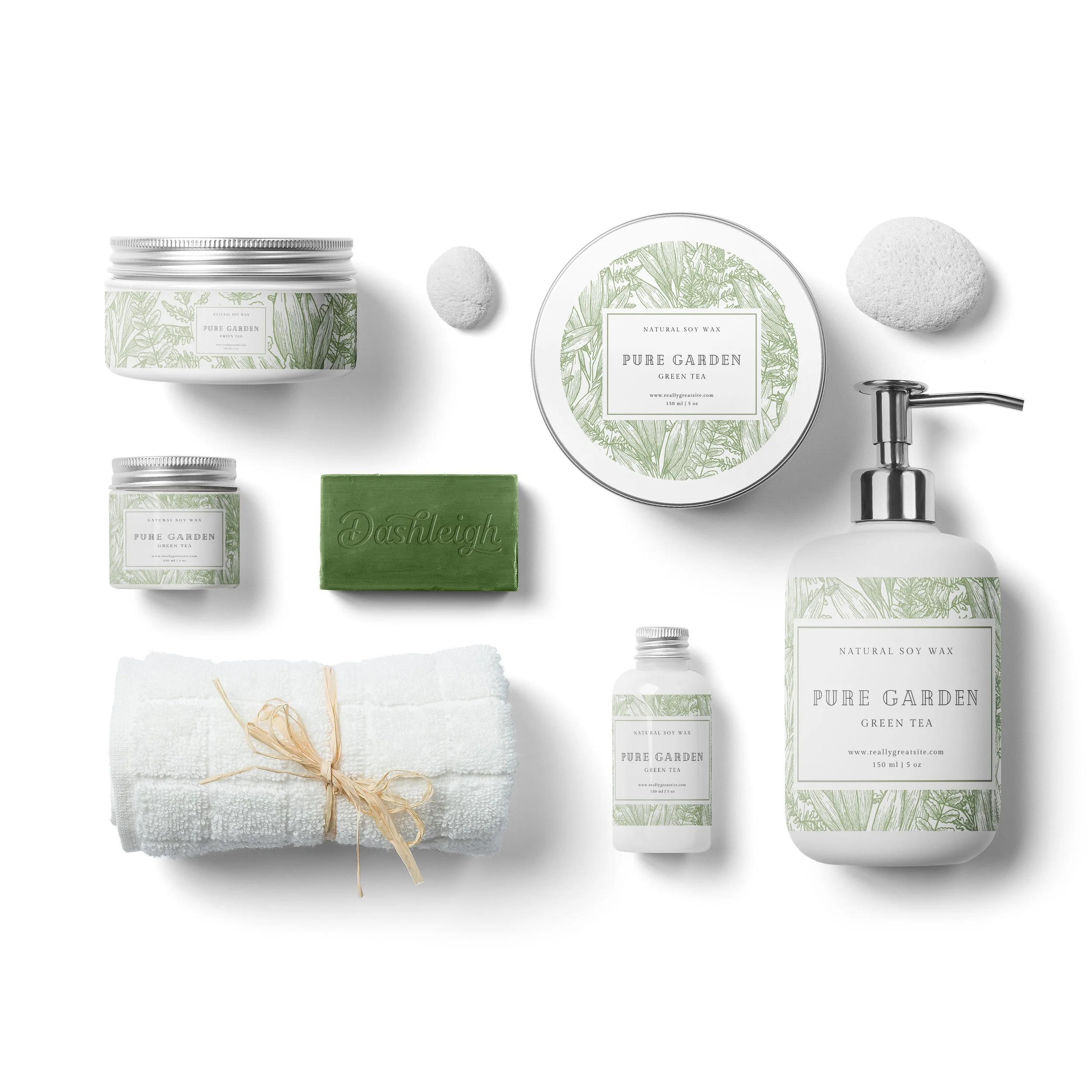
Printable sheet labels for 1 oz jars are a great way to label and package your cosmetic products. These labels are 1x5 inches in size and are designed to fit perfectly on standard 1 oz jars. They are made of professional-grade white vinyl material, which is durable and resistant to water, oil, and other liquids.
Design from Home
There are several templates available online for designing your own labels using software like Canva, Word, Adobe, and Open Office. These templates make it easy to customize the text, colors, and graphics on your labels to match your brand identity.
If you want to make your own beauty labels at home, you will need a printer, white vinyl label sheets, and a design program like Canva or Adobe Illustrator. First, choose a template and customize it with your brand's colors, logo, and text. Then, print the labels on the white vinyl sheets using your inkjet printer. Finally, peel the labels and apply them to your cosmetic jars.
Professional Jar Packaging from Home
Overall, printable sheet labels for 1 oz. jars are a convenient and professional way to label and package your cosmetics. Whether you design them yourself or have them professionally printed, these labels can help you create a cohesive and visually appealing brand image for your products.